New Product Carousel
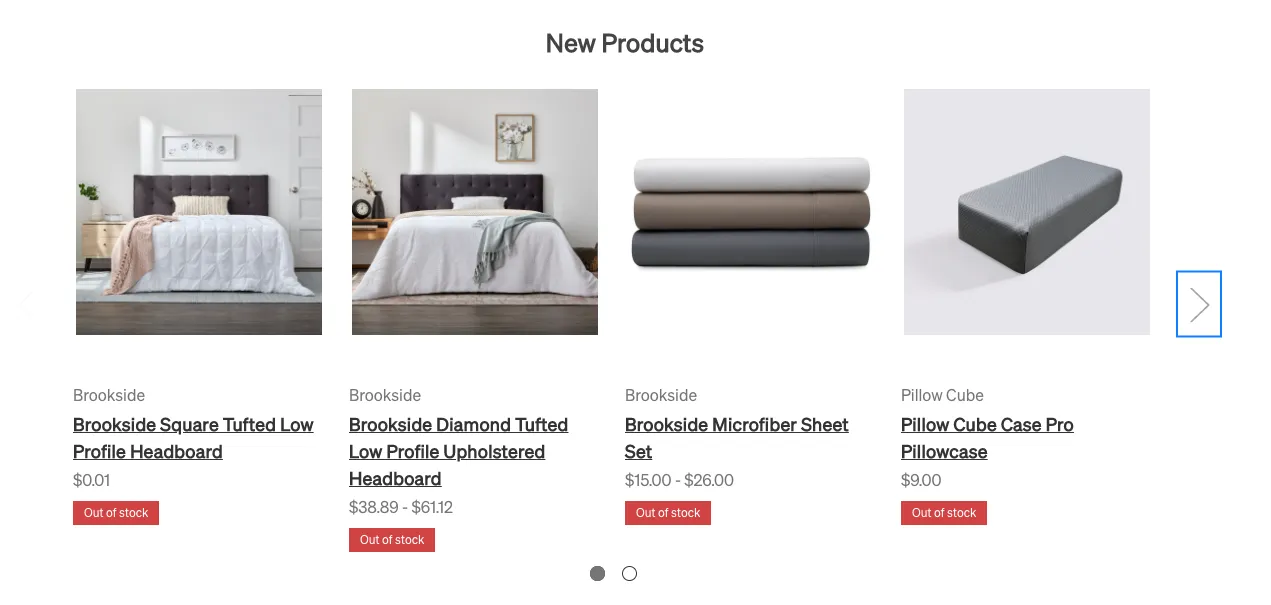
The “New Products” carousel has been customized to use specific product ids. It will currently only display the specified products, and has a max of six product slots.
This is an example of how the carousel should look with the product ids entered:
Similar to custom badge colors, the product slots live in the page builder theme settings.
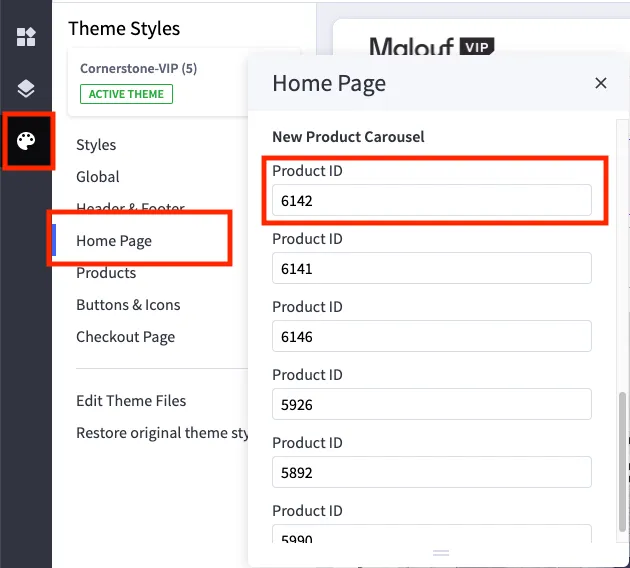
If you don’t need six slots, feel free to leave slots empty. As long as you have a valid product id in the spot, it will pull the correct data.
Locating Product IDs
You can easily find product ids in the BigCommerce admin the following ways:
-
Go to the specific product’s page in the admin
 The product id will appear in the url at the top of the page.
 -
Hovering over the product name in the products tab of the admin
