Deal Category
Currently Linenspa has a deals category that updates each month with new products or as sales happen. All the updates can be done via the BigCommerce Admin and Page Builder. Any additional coupons or promotions can be made in the admin as well. If you are new to the promotions system, please read the BigCommerce documentation.
Deal Category
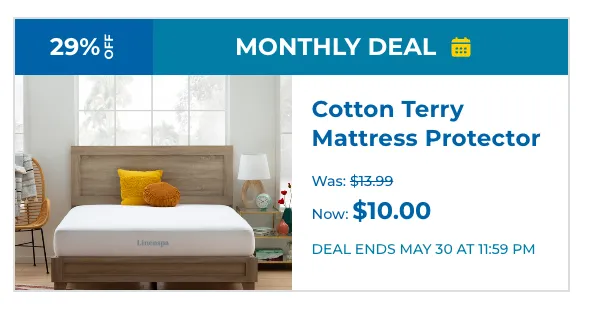
Products can be added to the deals category via the BigCommerce admin. In order for the sale/deal text to show up, you will need to make sure the product has a sale price and a default price set. The percentage discount that appears as badge on the deals category will be automatically calculated based on the sale and default prices.

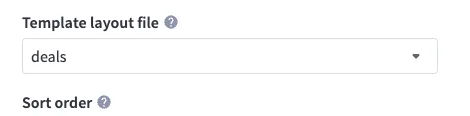
The deal category uses a custom template called deals. This should already be set in the category, but if you want to make a similar category you can set the layout in Products > Product Categories > Edit Category.
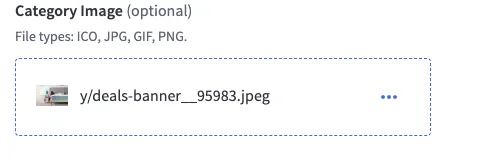
The deal template uses a hero image that can be set within the same category settings.
Deal Countdown
For the deal countdown text to appear, you will need to add a custom field on the product with name deal-end. For the value, you will add the expected end date.

When all the fields and prices have been added, the deal product listing should look like this: