Category Filters
Please follow the guide below to update or add filters on the category pages. If additional customization is needed, please reach out to the web team or submit a ticket.
Color Filtering
There are currently two ways you can fitler products by color. You can turn on the Shopify default filtering, or use metafields to add custom filtering. The Shopify color filtering pulls every color rather than sorting them into color groups. We’ll be covering how to update the custom color group filtering.
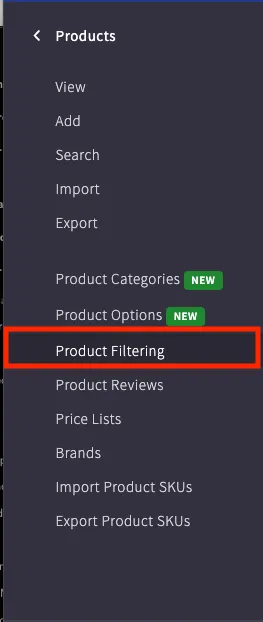
You can see the current filters in the navigation menu.
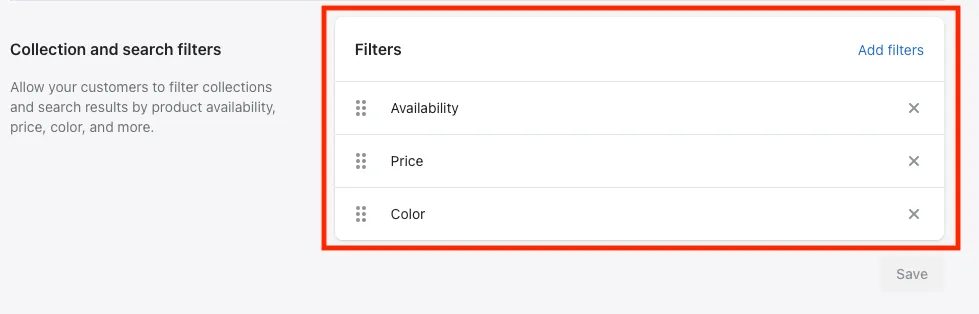
Once inside the navigation menu, you can see the current filters in the “Collection and search filters” section. You can add filters by clikcing “Add filters” or remove existing filters with the “x”.
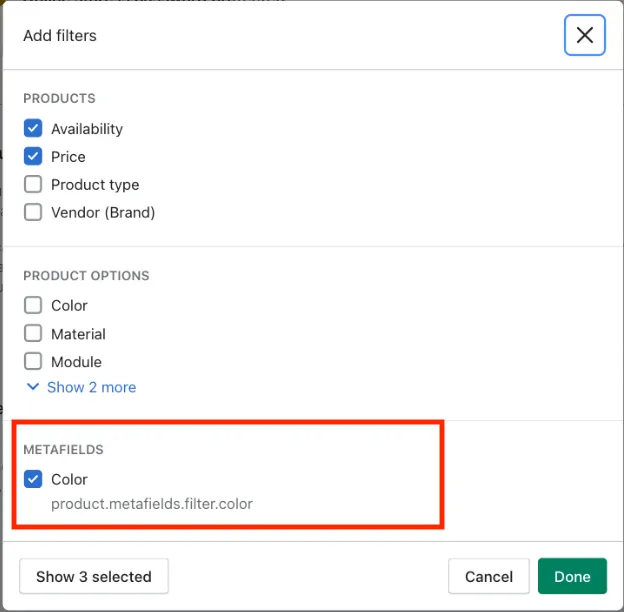
Removing filters only removes them from the display, so they can easily be added back at any time. As you can see from the “Add filters” display, we are using metafields to create a custom color filter for grouping.
Adding Color Groups
Please folow the steps below to add or update color groups on a per product basis.
Step 1: Edit product page metafield
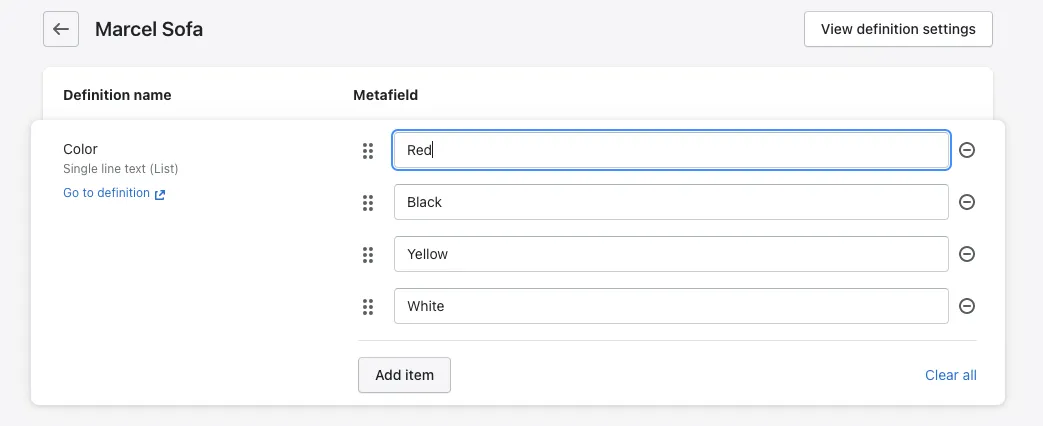
Color groups are added manually per product through the color metafield. You can add multiple colors as separate entries.
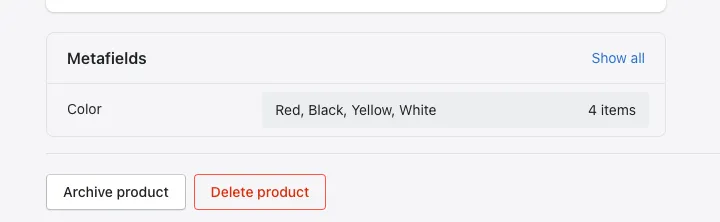
Step 2: Add or remove the colors for the product